
Synthesize photorealistic FLUX.2 Klein & SDXL Lightning artwork and dialogue with uncensored GGUF LLMs — powered by native C++ hardware kernels directly on your GPU.
Interactive 3D preview of Solframe Studio running real local inference on GPU — auto-adjusts with responsive width and aspect ratio.
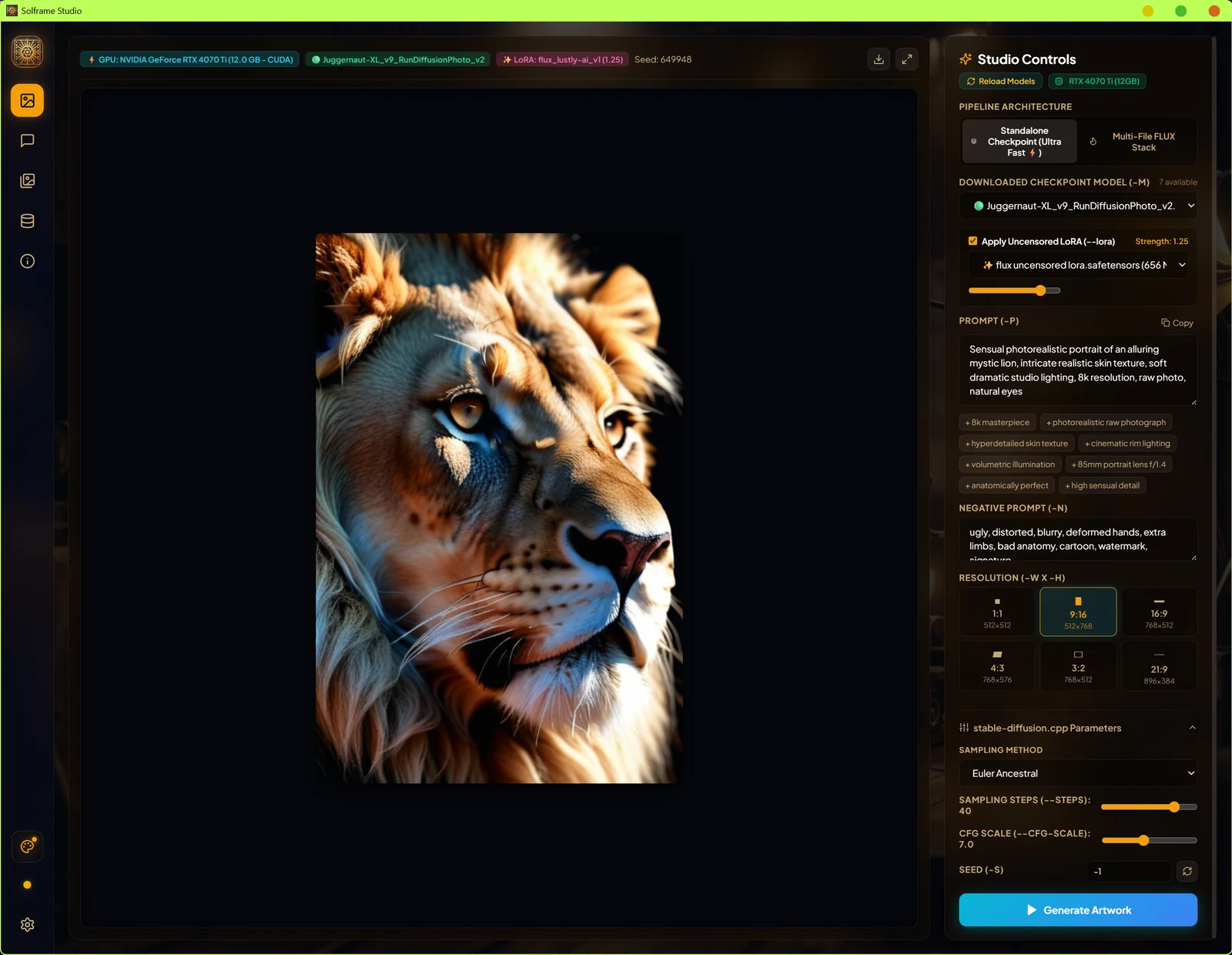
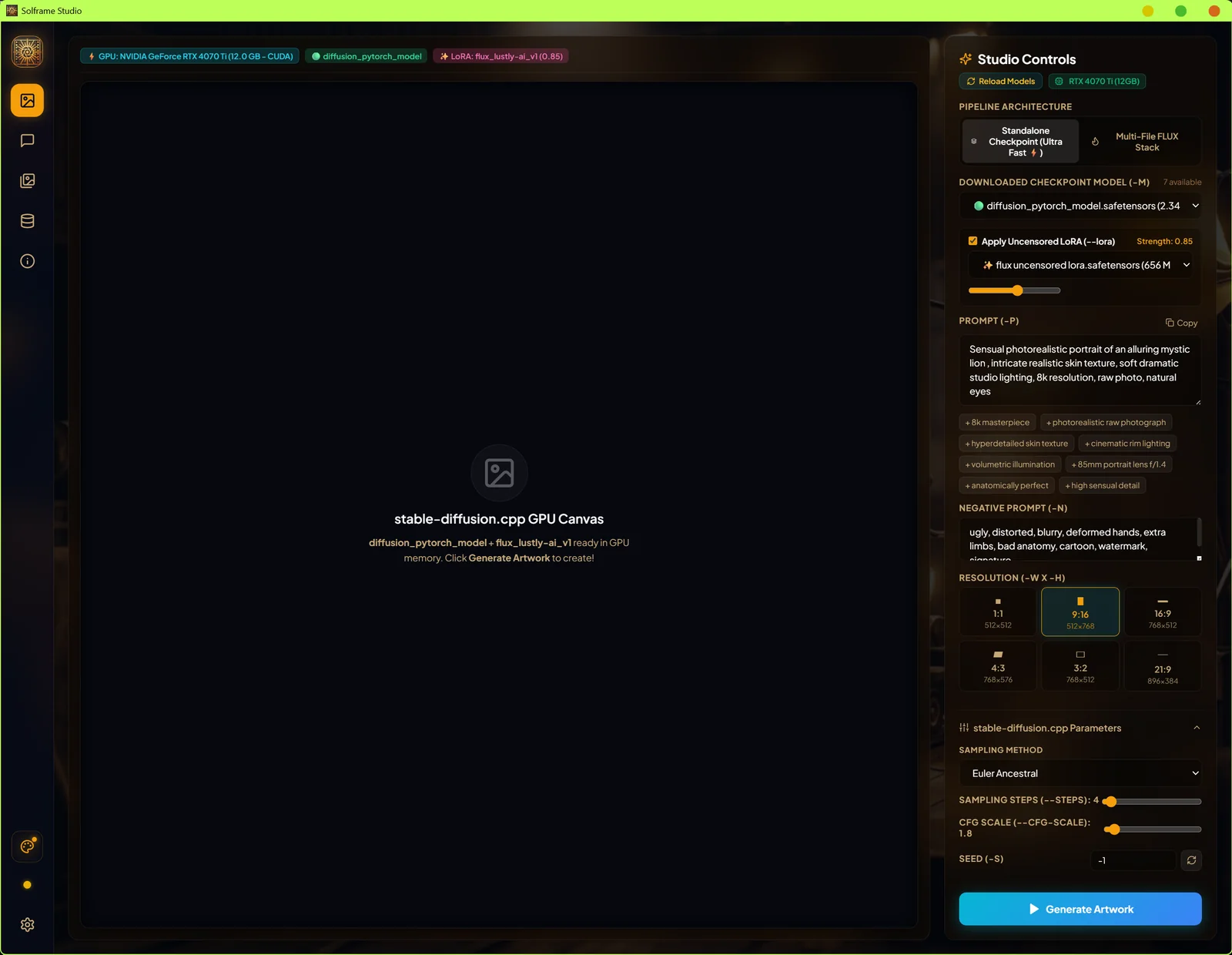
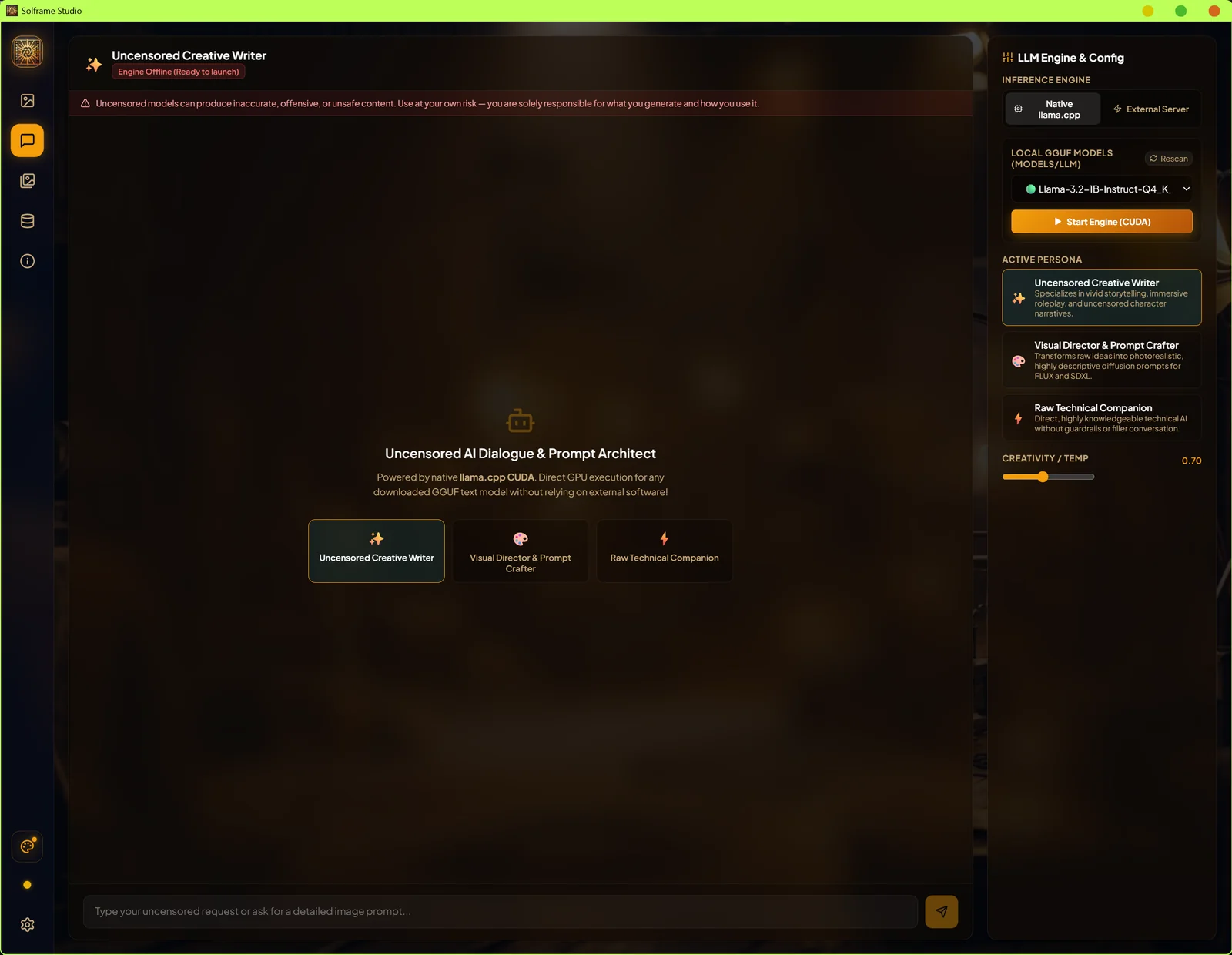
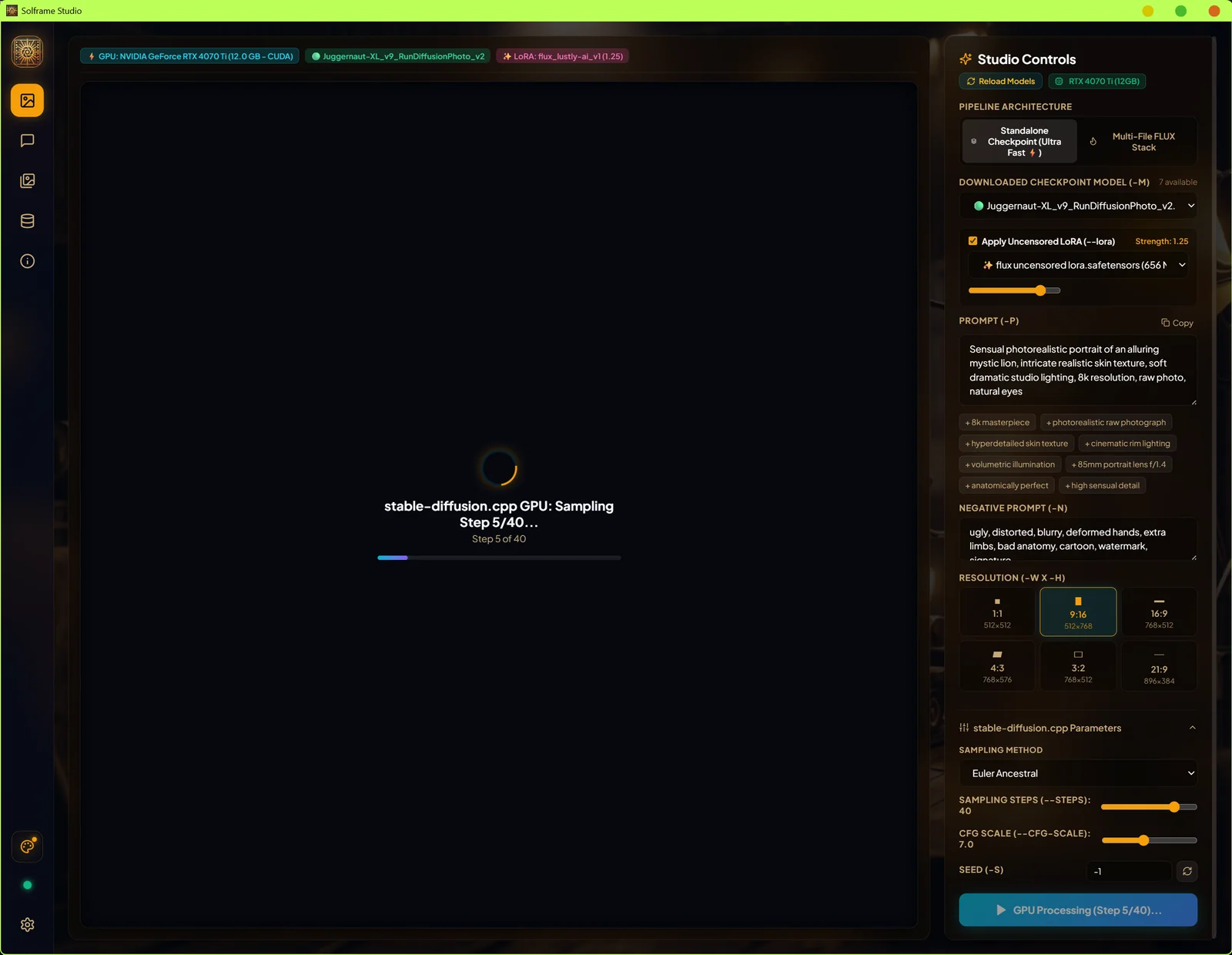
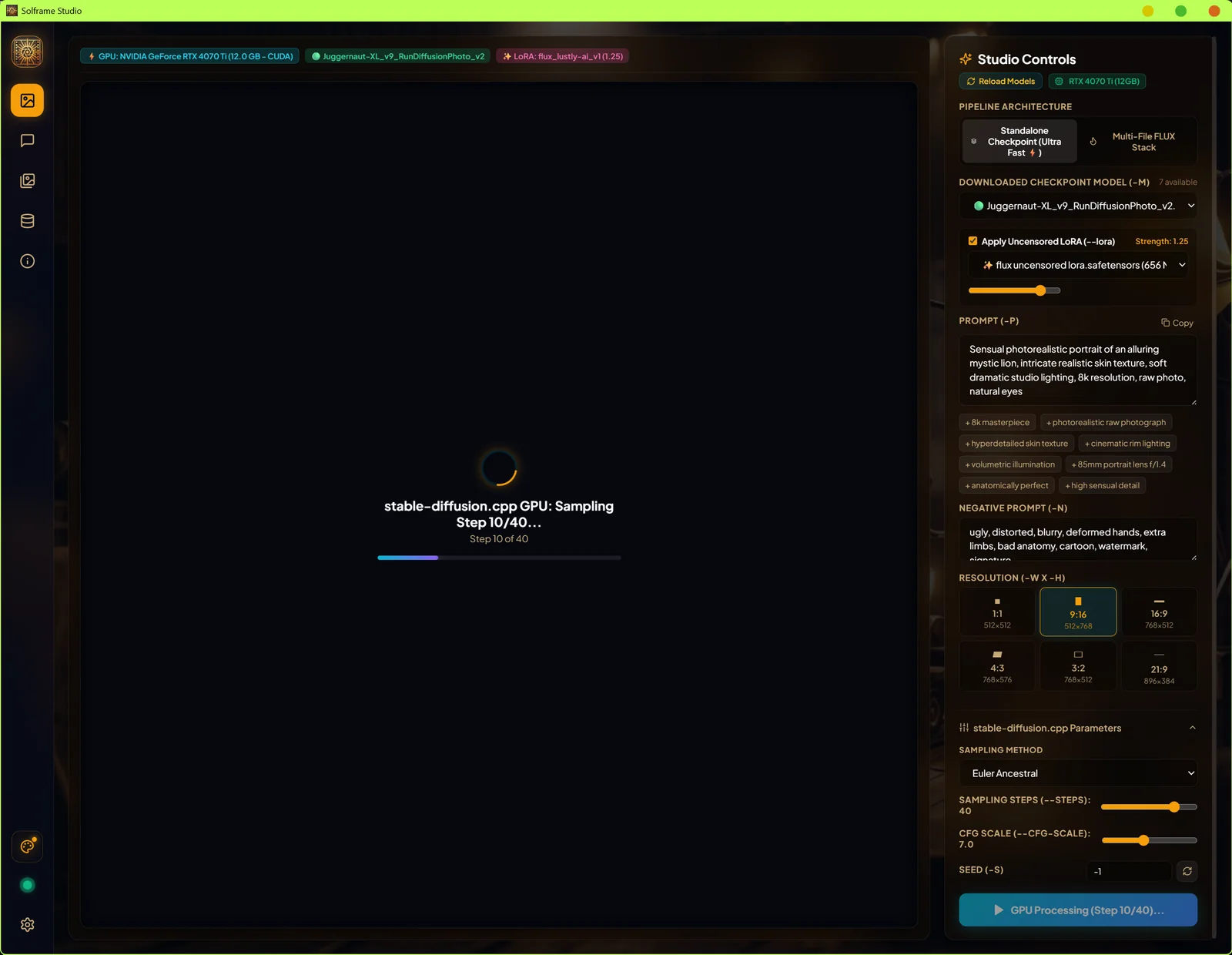
Complete autonomy over cutting-edge diffusion synthesis and large language models — directly on your personal hardware.
Pre-compiled C++ inference engines for NVIDIA CUDA 12, AMD/Intel Vulkan, and AVX2 CPU backends — no driver gymnastics required.
Run GGUF large language models via llama.cpp with full dialogue capabilities — entirely offline, entirely yours.
No cloud calls, no usage tracking, no data mining. Your prompts, your outputs, and your models never leave your machine.
The Windows Complete and macOS installers bundle every engine pre-compiled — no first-run downloads, no account, no network. (The Lightweight installer and Linux build ship the interface only.)
Full local inference on Windows, macOS, and Linux. NVIDIA CUDA on Windows and Linux (the Linux CUDA engine is built from source, since neither upstream project ships one), Apple Metal on Apple Silicon, and Vulkan as the cross-vendor GPU fallback everywhere else.
Built on stable-diffusion.cpp and llama.cpp. Inspect, modify, and extend — the engine is transparent by design.
Native installers for Windows, Linux, and macOS — hosted on GitHub Releases.
VRAM needs scale with model size and quantization — these are typical figures for the model sizes named. NVIDIA CUDA and AMD/Intel Vulkan are both auto-detected; no discrete GPU falls back to a multi-threaded AVX2 CPU engine automatically.
All-in-one offline package. Bundles CUDA 12, Vulkan, AVX2 CPU, and llama-server.
a4e6a1224e5e4a54928cd8c20faec8646076f3eee7e21326f3797f77c22aed3a
Install with sudo dpkg -i. Ships real inference: CUDA for NVIDIA (built from source), Vulkan for everything else, plus llama.cpp for chat.
aabfff92ae7f0d94c3574bc56503d869f10f3404716d3d47115a2bcaf6fd28c6
Native arm64 build. Unzip and move to Applications. Right-click → Open on first launch.
83b4de1ca061d31a1e5e7627f457eac6249d8aa93e5c269b24ff546c6311b898
$git clone https://github.com/Protik1810/Solframe-Studio.git$cd Solframe-Studio$npm install$npm run electron:build:win
Engineered with a mission for sovereign, privacy-first generative AI. Built to give creators complete autonomy over cutting-edge diffusion synthesis and large language models directly on personal desktop hardware — free from cloud subscriptions, data mining, and platform lock-in.
Active
Cybernetic data streams, matrix energy core & green circuit trails.
 Gold
Gold
Warm tungsten film set, vintage soundstage & amber spotlights.
 Cosmic
Deep cosmic abyss, interstellar nebula & neural constellation lines.
 Sakura
Floating sky islands, blooming sakura, twin moons & aurora sky.
 Cyber
Cyber
Rain-slicked cyberpunk street with glowing cyan & magenta signs.
 80s Outrun
Retro 80s grid highway, neon geometric sunset & arcade vibes.